Conclusion: A custodial wallet sacrifices control for convenience, while a non-custodial wallet sacrifices convenience for control, and most cryptocurrency buyers end up using both at different stages. This article is intended for anyone who has purchased cryptocurrency on an exchange and is now deciding whether to leave it there, transfer it to an app like Coinbase Wallet, or purchase a hardware wallet.
In short
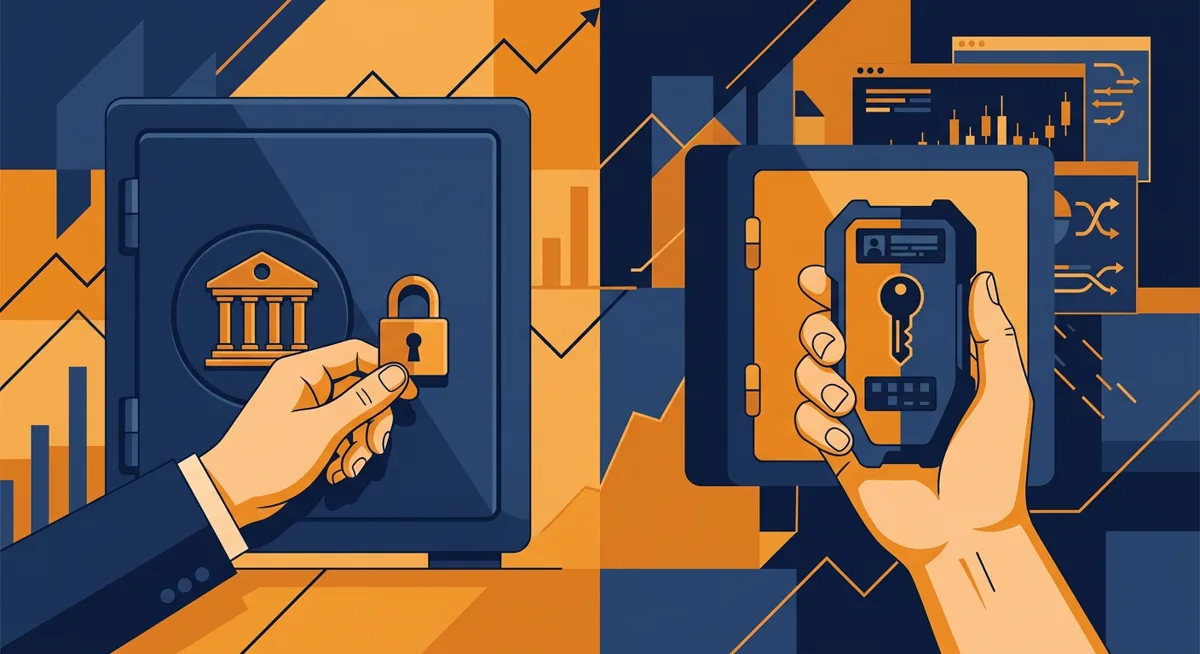
- A custodial wallet stores your private keys for you; it is typically managed by the exchange where you buy cryptocurrency, so customer support can help if something goes wrong, but they can also freeze your funds in accordance with the exchange’s terms and conditions.
- A non-custodial wallet, also known as a decentralized wallet, provides you with your keys and recovery phrase directly, meaning no company can recover your funds or reverse a transaction on your behalf.
- Coinbase Wallet is a standalone, non-custodial app that is not linked to a Coinbase exchange account with custodial storage and is available in countries such as Italy, Spain, France, Belgium, the Netherlands, Austria, Cyprus, Finland, Greece, Latvia, Malta, Portugal, Slovakia.
- Transferring coins from an exchange to a wallet that you control eliminates counterparty risk, but creates the risk of losing your own recovery phrase—and no support service will be able to resolve this issue.
- Fees do not disappear when switching to a non-custodial mode; they are simply transferred from the exchange's fee page to the blockchain network fee.
Key facts
| Coinbase (Coinbase Wallet) | |
|---|---|
| Fees | — |
| Limits | — |
| Deposit methods | — |
| Country availability | Supported countries: Italy, Spain, France, Belgium, the Netherlands, Austria, Cyprus, Finland, Greece, Latvia, Malta, Portugal, Slovakia |
Before you start: what you need to decide first
What Is a Digital Wallet, Really?
A digital wallet is software—sometimes combined with hardware—that stores the private keys needed to transfer cryptocurrency. It doesn’t store coins in the same way that a banking app stores cash; it stores the right to transfer coins that are on the blockchain. Every option you’ll see on the market—mobile wallet, virtual wallet, web3 , and decentralized wallet—is a variation on the same idea, rather than a separate product category.
Terminology is quickly becoming less precise. The terms “virtual wallet” and “digital wallet” are usually used interchangeably and have no technical differences. “Decentralized wallet” specifically means non-custodial: no one but you owns the key. “Base Wallet” sometimes simply refers to support for the Base network within the Coinbase Wallet app, rather than a separate product that needs to be installed.
Before making your decision, answer the following questions:
- Do you trade actively, or do you mainly hold your funds for the long term?
- Do you want the company to be able to reverse an erroneous transfer or reset access settings, or do you want no one to have that kind of control over your funds?
- Are you prepared to store your seed phrase offline on your own, without any possibility of recovery by customer support in case it is lost?
With and Without Storage: A Comparison
| Wallet with storage: | Wallet without storage: | |
|---|---|---|
| Who holds the private key? | The exchange or platform | You |
| Is it possible to reset the password? | Usually, yes | No, only the seed phrase works |
| Funds frozen by the provider | Possibly in accordance with the terms of service | Not possible by a third party |
| A typical homepage | An exchange account (Coinbase, Binance, Kraken) | An app or device (Coinbase Wallet, Ledger, Trezor) |
| Best suited for | Buying, selling, and frequent trading | Long-term storage and integration with apps |
For a more detailed comparison of specific providers, see the article “Custodial and Non-Custodial Wallets: Coinbase, Ledger, Trezor”.
In a nutshell: if you can't explain who currently holds the keys to your coins, then you haven't actually chosen a wallet type yet.
How to move from exchange custody to self-custody, or decide to stay put
-
Buy on an exchange first. Almost nobody funds a non-custodial wallet directly from a bank account. Most people buy through an on-ramp, then decide where the coins should live afterward. If you have not bought anything yet, start with How to Buy Crypto: Step-by-Step On-Ramp Guide.
-
Decide if moving funds is even necessary. Frequent traders often leave coins in the exchange's custodial wallet to avoid repeated transfer fees and network wait times. Long-term holders tend to move coins out to reduce exposure to any single platform's policies or downtime.
-
Pick the wallet type that matches the plan. A mobile wallet such as Coinbase Wallet is non-custodial despite sharing a name with the custodial Coinbase exchange app. It functions as a web3 wallet, letting you connect to decentralized apps and to networks such as Base from inside the same interface. A hardware wallet, such as a Ledger or Trezor device, keeps keys offline on a physical unit instead of a phone.
-
Verify account tier on the custodial side before withdrawing. Exchanges gate withdrawal size and speed behind verification level, so confirm that tier is set before you need to move a large balance, not after.
-
Install the non-custodial wallet and back it up before funding it. Write the seed phrase down somewhere that is not a screenshot, a note app, or a cloud document. Treat that phrase as the entire account.
-
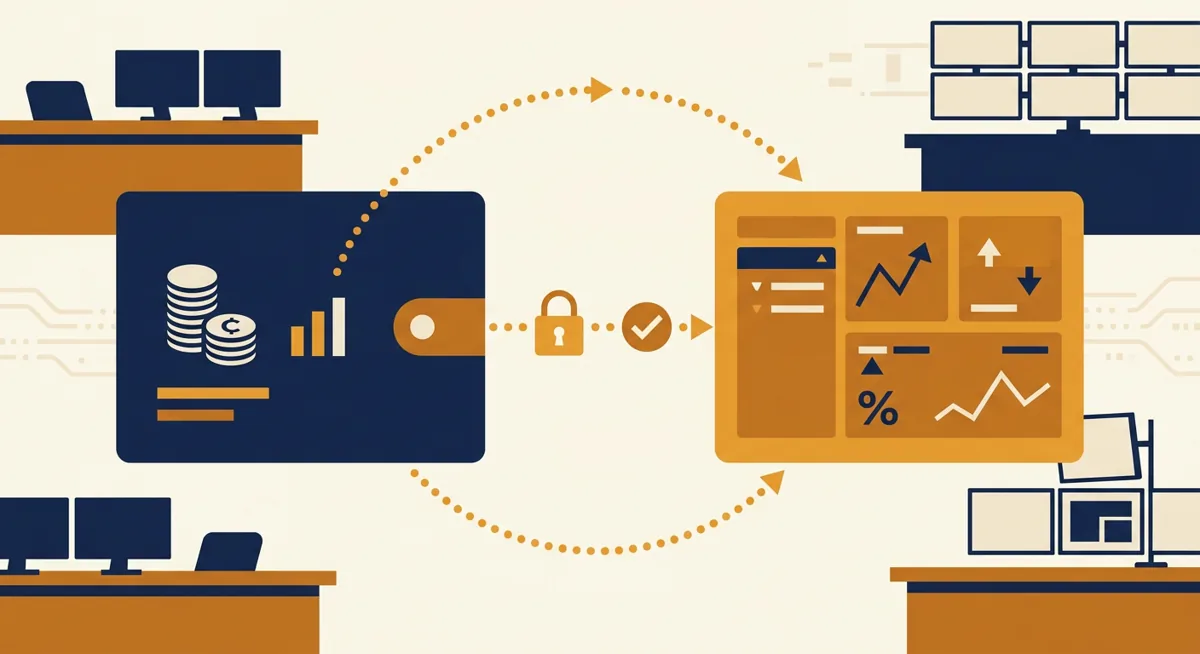
Send a small test transaction first. Move a small amount from the exchange to the new wallet address, confirm it lands correctly, then send the remainder. Full walkthroughs of moving funds between specific providers are in Move Crypto Between Wallets and Exchanges: Kraken.
-
Confirm network and country availability before relying on an app. A wallet that works for a friend abroad may not work, or may work differently, where you are. Availability can also change over time, so check inside the app rather than assuming.
One line: the transfer itself is the easy part; the backup step is where people actually lose funds.
Fees and limits: where the cost actually sits
Custodial fees vs network fees
Custodial wallets bundle their costs into an exchange's fee schedule: trading fees, card-purchase fees, and sometimes a separate withdrawal fee to move coins out to a non-custodial wallet. Non-custodial wallets usually do not charge a platform fee themselves, but every transaction still pays a network fee to miners or validators, and that fee floats with network congestion rather than with any wallet's own pricing page.
| Cost type | Custodial wallet | Non-custodial wallet |
|---|---|---|
| Trading or spread fee | Charged by the exchange | Not applicable unless swapping inside the wallet app |
| Withdrawal fee | Often charged to move coins off-platform | Not charged by the wallet itself, only the network |
| Network or gas fee | Usually absorbed into the withdrawal fee | Paid directly by you, on every transaction |
| Account limits | Daily or weekly buy/withdrawal caps tied to verification tier | No platform-imposed limits, only what the network itself allows |
| Country availability | Varies by exchange licensing | Varies by app store rules and sanctions lists |
For exact Coinbase buy and withdrawal fees, see Buy Bitcoin on Coinbase: Fees, Limits, and Withdrawals. For a comparison against another large exchange's fee structure, see Binance Explained: Setup, Fees, Limits, Availability.
Coinbase Wallet's own country footprint includes Italy, Spain, France, Belgium, the Netherlands, Austria, Cyprus, Finland, Greece, Latvia, Malta, Portugal, Slovakia, which matters because that list is not automatically the same as the countries where the custodial Coinbase exchange account operates. Treating a wallet's availability and an exchange's licensing as the same list is a common and avoidable mistake.
One line: a non-custodial wallet does not remove fees, it just relocates them from a pricing page to the blockchain itself.
Common problems and fixes
Sent to the wrong network. Sending a token built on Base to an address that only expects it on Ethereum mainnet is a frequent mistake inside a web3 wallet. Match the network selector in the sending app to the receiving wallet's network, not just the coin symbol.
Lost or never recorded the seed phrase. There is no support ticket that fixes this for a non-custodial wallet; a decentralized wallet cannot be recovered by anyone but whoever holds the phrase. A custodial exchange account, by contrast, can usually be recovered through identity verification, which is the trade-off custody exists for.
Exchange withdrawal stuck in review. Custodial platforms sometimes hold withdrawals for manual review, especially after a large deposit or a newly added payment method. This is a compliance control, not a technical fault, and it typically resolves once the review completes.
Wallet app shows a balance of zero after a transfer. Check that the wallet is pointed at the same network the coins were actually sent on, and allow time for confirmations. A block explorer for the relevant chain will show the transaction even before the wallet app's balance refreshes.
Small transfers eaten by fees. Moving a small amount of a coin with a high network fee from a custodial wallet to a non-custodial one can cost a large share of the transfer in fees alone. Waiting for lower network congestion, or consolidating smaller amounts into one transfer, helps.
Verification tier blocking a withdrawal. If an exchange caps withdrawal size by account tier, raising that tier before you need the funds avoids a delay at the worst possible moment.
Messy records after moving funds around. Moving coins between wallets you own is not usually a taxable event by itself, but it does complicate record-keeping across platforms. Export transaction history from each exchange before moving funds; the process is covered in Crypto Taxes: Exporting Exchange Reports for Filing.
One line: most wallet problems trace back to a network mismatch or a missing backup, not an actual bug.
Questions
What is a digital wallet, exactly?
This is software—sometimes combined with hardware—that stores the private keys used to manage cryptocurrency on the blockchain. The coins themselves remain on the blockchain regardless of which wallet you use to manage them.
What is the difference between a mobile wallet and a web3 wallet?
A mobile wallet just describes the device it runs on. A web3 wallet specifically connects to decentralized apps and lets you sign blockchain transactions from inside a browser or app, which Coinbase Wallet does.
Is Coinbase Wallet the same as a Coinbase exchange account?
No. A Coinbase exchange account is a custodial account. Coinbase Wallet is a separate, non-custodial app with its own seed phrase, available in countries such as Italy, Spain, France, Belgium, the Netherlands, Austria, Cyprus, Finland, Greece, Latvia, Malta, Portugal, Slovakia.
What is a bitcoins wallet, and is it different from a general crypto wallet?
A bitcoins wallet usually refers to a wallet configured for a single network, Bitcoin. Most modern wallets, including decentralized and web3 wallets, handle several networks and coins under one seed phrase instead.
Is coin money held in a non-custodial wallet insured the way a bank deposit is?
No. Non-custodial wallets are not covered by any form of deposit insurance. Exchange wallets with custody sometimes offer limited insurance coverage for certain asset pools; however, the terms vary by provider and should be checked directly on the exchange’s policy page.
References
| # | Source | Reliability | Checked |
|---|---|---|---|
| 1 | coinbase.com — Supported countries | Official source | 2026-10-06 |