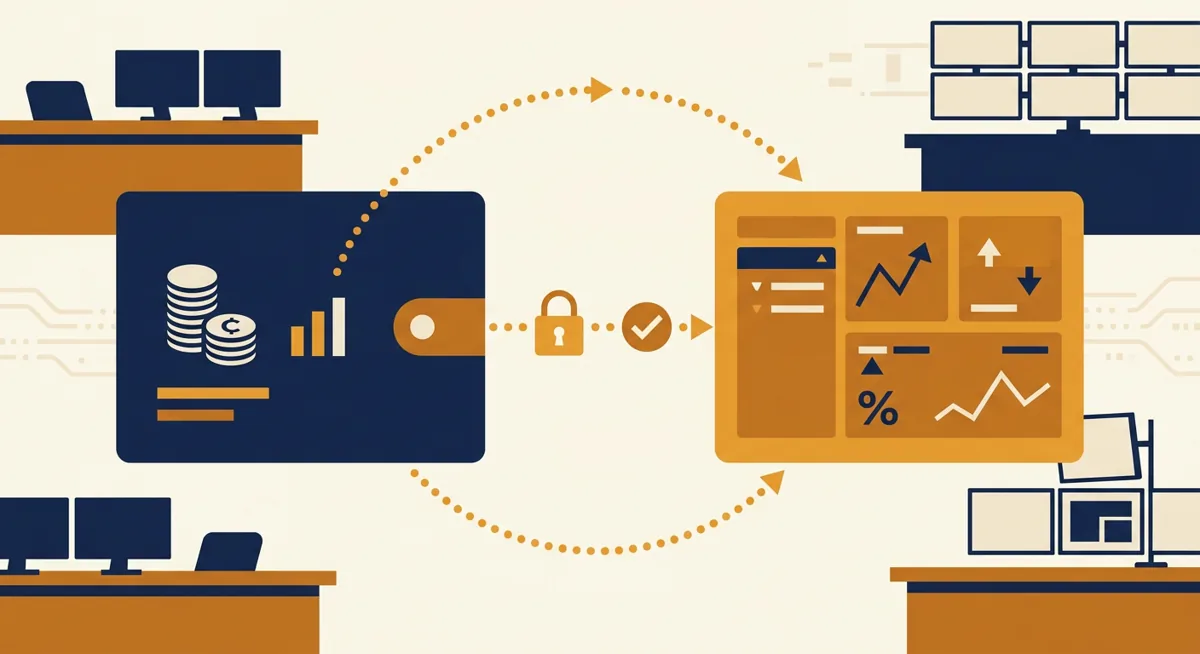
Conclusion: With a custodial wallet, you trade control for convenience, and with a non-custodial wallet, you trade convenience for control—and it’s your choice that determines who will actually have control over your coins. Read this article if you’re wondering whether to leave your cryptocurrency on an exchange, such as Coinbase, or transfer it to a wallet, such as Ledger, Trezor, Coldcard, or Electrum.
In short
- Custodial wallets (Coinbase, balances on the Crypto.com Wallet exchange, BitPay’s custodial mode) allow the company to store your private keys; non-custodial wallets (Electrum, Ledger, Trezor, Coldcard) keep your keys in your possession.
- Coinbase limits outgoing transfers to €100,000 per day per day; this limit also applies to withdrawals from self-custody accounts.
- Hardware wallets require an initial purchase cost in addition to network fees, so self-custody is not always the more cost-effective option.
- Recovery varies: custodial accounts can often be recovered through customer support, while non-custodial wallets rely entirely on the seed phrase without a backup contact.
- Ripple wallet providers vary—some are custodial, while others are not—so it’s important to verify this before drawing any conclusions.
Key facts
| Coinbase | |
|---|---|
| Fees | — |
| Limits | Daily withdrawal limit: €100,000 per day |
| Deposit methods | — |
| Country availability | — |
What custodial and noncustodial actually mean
A custodial wallet means that private keys are held by a third party. This category includes Coinbase, the Crypto.com Wallet custodial service, and the standard operating mode of the BitPay wallet. You log in, make transactions, and rely on the provider’s security and solvency to get your funds back.
A non-custodial wallet means that you hold the keys. This is how Electrum and Coinbase Wallet (in self-custody mode—a separate product unrelated to the Coinbase exchange app, despite the similar name) work, as well as Ledger, Trezor, and Coldcard. If you lose your seed phrase, you’ll lose your funds. No support service will be able to fix this situation.
Ripple wallet clients vary depending on which one you install—some are custodial, while others are not. The description on the download page doesn’t always match the technical reality, so be sure to read the fine print carefully before jumping to conclusions.
A Brief Overview: With and Without Custody Rights
| Features | With storage | Without storage |
|---|---|---|
| Who holds the keys? | The exchange or the provider | You |
| Password Recovery for | Customer support can usually help | A seed phrase or nothing |
| How quickly can I start trading? | Fast—the funds are already in your account | You must transfer the funds first |
| Supplier default risk | Yes | No |
| Setup costs | Low | Higher; hardware is optional |
For a more detailed analysis of how Coinbase, Ledger, and Trezor compare, see the article “Custodial and Non-Custodial Wallets: Coinbase, Ledger, Trezor”.
Conclusion: The name of the wallet displayed on the app icon says far less than who actually controls the underlying keys.
Before you start
- Decide which problem you're solving. Frequent trading favors custodial. Long-term holding favors noncustodial.
- Have identification ready if opening a custodial account like Coinbase. Verification will ask for it before you can withdraw.
- If you're going noncustodial, buy the hardware wallet directly from the manufacturer — Ledger, Trezor, or Coldcard — not from a third-party marketplace listing.
- Decide how you'll store the recovery phrase. A photo on your phone is not a backup plan.
- Confirm the noncustodial wallet actually supports the asset you want to move. Electrum, for example, is Bitcoin-only; sending the wrong token to the wrong address format is how funds get stuck.
If you haven't picked an on-ramp yet, the general process is covered in How to Buy Crypto: Step-by-Step On-Ramp Guide.
Takeaway: the prep work is identical whether you end up custodial, noncustodial, or both — it's the key management that diverges.
Steps: opening a wallet and deciding on custody
- First, open a custodial account. For most people, this is Coinbase, since this platform serves as a “bridge” connecting to a bank account or card.
- ****Complete identity verification. Submit a valid ID and wait for approval before making large purchases or withdrawing funds.
- Fund your account. Use a bank transfer, credit/debit card, or another method supported by the exchange.
- Decide whether you actually need self-custody. If you’re an active trader, it might be easier to leave your funds on the exchange. Detailed information on buying and withdrawing funds specifically through Coinbase is provided in the article “Buying Bitcoin on Coinbase: Fees, Limits, and Withdrawals”.
- Set up a non-custodial wallet. Set up a Ledger, Trezor, Coldcard, or Electrum, and write down your seed phrase on paper—do not take a screenshot.
- First, send a small test amount. Make sure the address and network are correct before transferring your entire balance.
- Transfer the remaining amount. Once the test transaction goes through, send the rest. For a general guide on transferring funds between platforms, see the article Transferring Cryptocurrency Between Wallets and Exchanges: Kraken.
Conclusion: The test transaction in step six is precisely the step that people often skip, but it’s the one that saves the most money if the configuration is incorrect.
Fees and limits
Custodial accounts have limits on the amount that can be transferred per day. For example, Coinbase limits outgoing transfers to €100,000 per day per day—this rule applies regardless of whether you’re sending funds to another exchange or withdrawing them to your own non-custodial wallet. If you’re approaching this limit, plan your large transfers over several days.
Non-custodial transactions are subject to a separate network fee, which is paid to the miners or validators processing the transaction, not to the wallet provider. The amount of this fee depends on network congestion and is neither controlled nor set by Ledger, Trezor, or Electrum.
Hardware wallets aren’t free. Devices like Coldcard, Trezor Safe3, , and Ledger require an upfront purchase cost even before you send a single transaction. With that in mind, self-custody isn’t always the cheaper option—it’s an option where your keys aren’t held by a third party, which is a whole different story.
| Fee Type | With custody (e.g., Coinbase) | Without custody |
|---|---|---|
| Daily withdrawal limit | €100,000 per day | The wallet software does not impose any limits |
| Transaction fee | Set by the exchange | Set by the network; depends on network congestion |
| Initial equipment costs | No | Yes, for Ledger, Trezor, Coldcard |
Conclusion: The actual “bottleneck” may be the daily limit on the custody account, rather than the network fee, which is what people are most concerned about.
To understand how all of this will appear on your tax return, read the article Cryptocurrency Taxes: Exporting Exchange Reports for Tax Filing.
Troubleshooting
| Problem | Possible cause | Solution |
|---|---|---|
| Withdrawal request rejected or delayed | Daily limit reached, for example, on Coinbase €100,000 per day | Split the transfer over several days |
| Funds were sent but not received | Invalid network address format | Before resending, check which networks the recipient's wallet supports; do not send funds blindly |
| The key phrase has been lost | A backup was not created during setup | This cannot be fixed. That is why step six (the test transaction) and creating a written backup are so important before transferring large sums of money |
| The computer does not recognize the hardware wallet | The problem is with the driver or cable, not with the funds | Before concluding that the device is faulty, try connecting it to a different USB port or using a different cable |
| Your exchange balance has been frozen pending the completion of the verification process | Identity verification is still in progress | Please wait; submitting duplicate documents usually slows down the processing queue even further |
Conclusion: Most of these problems are procedural rather than cryptographic in nature—the keys themselves are generally fine, but the process involved in using them leads to failures.
Questions
Is Coinbase Wallet the same thing as the Coinbase exchange account?
No. Coinbase is a custodial exchange. Coinbase Wallet is a separate, non-custodial app where you hold your own private keys. They share the same name but have different custody models.
Can I lose funds using Electrum wallet if I do everything right?
The main risk when using Electrum is losing your seed phrase or sending funds to an incompatible address, not errors that occur when the software is used correctly. There is no support service that can help you recover a lost seed phrase.
Do hardware wallets like Ledger or Trezor work with Coinbase?
They can be used to transfer funds to self-custody after purchasing them on Coinbase; however, the hardware wallet itself is not directly connected to the exchange's custodial account.
What happens if I try to withdraw more than Coinbase allows in a day?
The maximum withdrawal amount is €100,000 per day per day, so amounts exceeding this limit are either rejected or placed in a queue until the daily limit is reset the following day.
References
| # | Source | Reliability | Checked |
|---|---|---|---|
| 1 | help.coinbase.com — Daily withdrawal limit | Official source | 2026-09-18 |