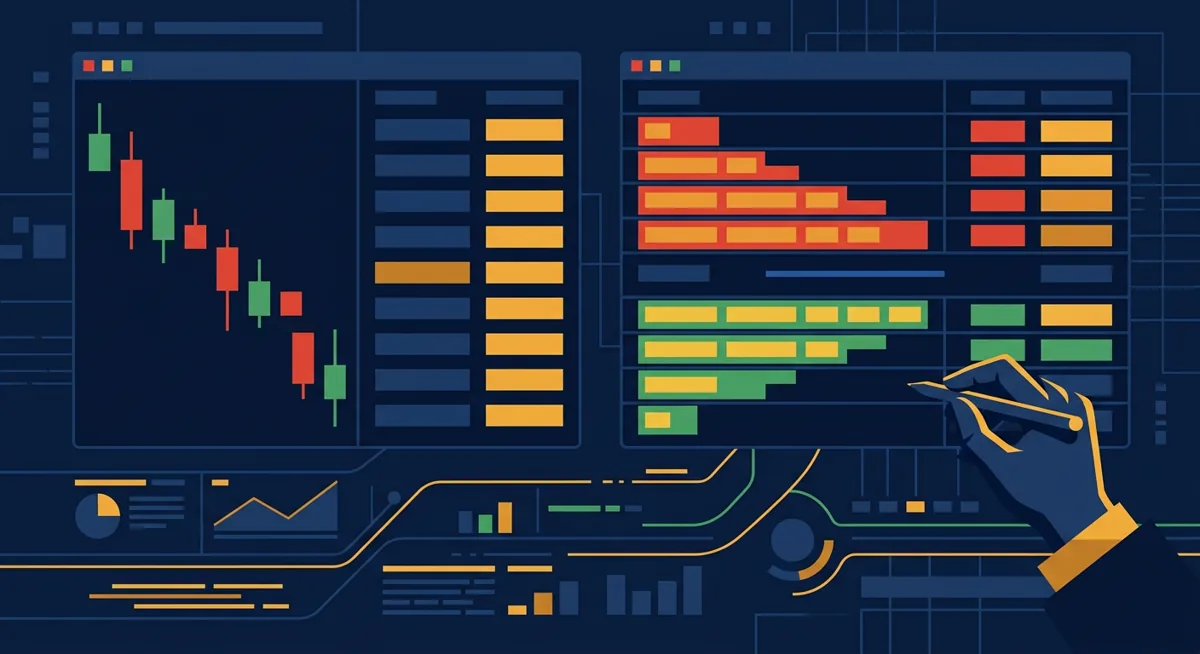
The short answer: a market order guarantees execution but not price, a limit order guarantees price but not execution, and stop-limit and stop-loss orders are just automated versions of that trade-off. Read on if you're choosing where to buy or swap crypto and want to know what happens the moment you click confirm.
In short
- A market order fills right away at whatever price the order book offers; a limit order only fills at your price or better, if at all.
- A stop-loss order turns into a market order once a trigger price hits; a stop-limit order turns into a limit order instead, which can mean no fill in a fast-moving market.
- Coinbase's daily withdrawal cap is €100,000 per day, and that limit is separate from anything you set on an order screen.
- Market orders typically pay a taker fee for pulling liquidity off the book; limit orders can earn a maker fee when they add liquidity instead, though fee tiers vary by exchange and volume.
- No order type protects against withdrawal caps or verification-tier limits — those are account-level restrictions, not trade-level ones.
Key facts
| Coinbase | |
|---|---|
| Fees | — |
| Limits | Daily withdrawal limit: €100,000 per day |
| Deposit methods | — |
| Country availability | — |
What you need before placing an order
This isn't about picking a side of a trade. It's about knowing which button does what before your funds move.
- A verified exchange account. Order types don't change based on verification, but withdrawal and trading limits often do — see our KYC documents and tiers guide if you haven't finished that step.
- A funded balance in the currency you're spending, or the asset you're selling.
- The trading pair confirmed. Some exchanges only offer advanced order types (stop-limit, stop-loss) on certain pairs, not on every listing.
- A rough idea of the current market price, so a limit price you set isn't wildly off and just sits there unfilled for no reason.
- The exchange's fee schedule open in another tab. Maker and taker fees differ, and that difference is the whole reason order type matters for cost, not just timing.
One-line takeaway: get verified and funded first, because no order type fixes a missing balance or a locked account.
How to place each order type
The screens differ slightly between exchanges, but the logic underneath is the same everywhere. Here's the general sequence.
Market order
- Open the trade screen and select the pair.
- Choose "market" as the order type.
- Enter the amount you want to buy or sell.
- Confirm. The order fills immediately against the best available price or prices on the book — it may fill across several price levels if the order is large relative to available liquidity.
Limit order
- Choose "limit" as the order type.
- Enter the price you're willing to pay (buy limit) or accept (sell limit order).
- Enter the amount.
- Submit. The order sits on the book until the market reaches your price, or until you cancel it. Nothing happens until then — that's the point.
Stop-loss order
- Choose "stop" or "stop-loss."
- Set a trigger price.
- Once the market trades at or through that price, the order converts into a market order and executes at whatever price is then available.
- There is no price guarantee here — the trigger only guarantees that an order gets sent, not what it fills at.
Stop-limit order
- Choose "stop-limit."
- Set two prices: the trigger and the limit.
- Once the trigger price is hit, the order converts into a limit order at your specified limit price — it does not execute at market.
- If the price gaps past your limit before it can fill, the order stays open and unfilled. This is the main difference in the stop loss vs stop limit comparison: stop-loss guarantees the exit happens, stop-limit guarantees the price but not the exit.
After submitting any order, check the "open orders" tab, not just the confirmation popup, to confirm the order is actually resting where you expect.
One-line takeaway: market orders trade certainty of execution for certainty of price; every other order type is a variation on that swap.
Fees and limits that apply to each order type
Order type choice doesn't just affect whether you get filled — it usually affects what you pay.
| Order type | Typical fee treatment | Execution certainty | Price certainty |
|---|---|---|---|
| Market | Taker fee (removes liquidity) | High | Low |
| Limit | Maker fee if it rests on the book; taker fee if it fills instantly | Medium | High |
| Stop-loss | Taker fee once triggered (becomes a market order) | High once triggered | Low |
| Stop-limit | Maker fee if it rests after triggering; may not fill at all | Low | High |
Maker and taker rates themselves vary by exchange and by your trailing volume, so I'm not going to quote a number here that isn't tied to a specific tier — check the exchange's own schedule before assuming a limit order is automatically cheaper. Sometimes it isn't, if it fills instantly anyway.
Separately from per-order fees, exchanges impose account-level limits that have nothing to do with order type. Coinbase, for example, caps daily withdrawals at €100,000 per day. That cap applies after your trade has already filled — it governs how much you can move out, not how the order itself executes. If you're sizing a trade near that threshold, plan the withdrawal side before you place the order, not after.
For a full breakdown of what Coinbase charges on the buy side and how withdrawals interact with funding methods, see Buy Bitcoin on Coinbase: Fees, Limits, and Withdrawals. If you're still setting up an account anywhere, the general on-ramp process is covered in How to Buy Crypto: Step-by-Step On-Ramp Guide.
One-line takeaway: the order screen sets your execution and price terms; the account tier sets your withdrawal ceiling, and the two are unrelated.
Common problems and fixes
My limit order never fills
The market moved away from your price and stayed there. Nothing is broken. Either cancel and reset closer to the current price, or accept it may take a while. There's no partial magic here — a resting limit order vs market order is exactly as patient as you make it.
My stop-limit order triggered but didn't fill
This is the most misunderstood part of a stop limit order. The trigger price was hit, the order converted to a limit order, but the market then gapped past your limit price before it could execute. The order is still open, sitting at a price the market has already left behind. Cancel and resubmit with a wider limit-to-trigger gap if this keeps happening.
My market order filled at a worse price than I expected
Thin order books mean a market order can walk through several price levels to fill your full size. This is slippage, and it's a liquidity problem, not a bug. Smaller order sizes or trading pairs with deeper books reduce it.
My order type is greyed out
Not every pair supports advanced order types on every exchange. Stop-limit and stop-loss are often restricted to major pairs. Check whether the restriction is tied to the asset or to your account tier.
My trade filled but I can't withdraw the full amount
You've likely hit the daily withdrawal cap, which on Coinbase is €100,000 per day. This is unrelated to the order — it's an account limit that resets on a rolling or calendar basis depending on the exchange. Wait for the reset or split the withdrawal across methods.
One-line takeaway: most order problems are about market conditions or account tiers, not about the platform malfunctioning.
Questions
What is the real difference in a market vs limit order?
A market order executes immediately at the best available price, with no price guarantee. A limit order only executes at your chosen price or better, with no timing guarantee. You're choosing which certainty matters more for that specific trade.
What is a limit order in stocks compared to crypto exchanges?
The mechanics are identical: you set a price and the order rests until the market reaches it or you cancel. The main practical difference on crypto exchanges is that markets trade around the clock, so a limit order can sit open far longer than it typically would during stock market hours.
Stop loss vs stop limit: which one actually protects me from losses?
A stop-loss guarantees the order will execute once triggered, but not at what price — it becomes a market order. A stop-limit guarantees the price but not execution, since it becomes a limit order that can go unfilled if the market gaps past it. Neither one guarantees both.
Limit order vs stop order — are they the same thing?
No. A limit order is active the moment you place it and fills at your price or better. A stop order is inactive until a trigger price is reached, at which point it converts into either a market order (stop-loss) or a limit order (stop-limit).
What's a practical example of a sell limit order?
You hold an asset and want to sell only if the price rises to a level you choose. You set a sell limit order at that price; it sits unfilled until the market reaches it, then executes at that price or better. If the market never gets there, the order never fills.
References
| # | Source | Reliability | Checked |
|---|---|---|---|
| 1 | help.coinbase.com — Daily withdrawal limit | Official source | 2026-09-18 |