There is no universal best way to buy cryptocurrency — bank transfer, card, cash, and ATMs each trade speed for cost differently, and none of them are free. Read on if you're choosing your first on-ramp or trying to figure out why your last purchase cost more than you expected.
In short
- Bank transfers are usually the cheapest on-ramp but the slowest to clear.
- Debit and credit card purchases post instantly but carry the highest percentage fees of the four methods.
- Cash purchases through crypto ATMs skip a bank account entirely but charge the steepest premiums over market price.
- Cash App supports crypto deposits over Solana, Ethereum, Polygon, Arbitrum networks and requires No minimum deposit required to get started.
- Cash App's Lightning withdrawals funded from your Cash balance carry a Lightning payments funded from your Cash balance include a 0.9% processing fee. fee, and the service is currently limited to United States; United Kingdom.
Key facts
| Cash App | |
|---|---|
| Fees | Crypto withdrawal fee: Lightning payments funded from your Cash balance include a 0.9% processing fee. |
| Limits | Minimum deposit: No minimum deposit required |
| Deposit methods | Deposit methods: Solana, Ethereum, Polygon, Arbitrum |
| Country availability | Supported countries: United States; United Kingdom |
What you need before you start
Every on-ramp asks for some version of the same paperwork. Have this ready before you pick a method:
- Government-issued ID (passport or driver's license) for identity verification.
- A phone number and email address that match the account you're opening.
- A funding source: a linked bank account, a debit or credit card, or physical cash for an ATM.
- Patience for verification tiers — some platforms unlock higher limits only after you submit proof of address. Our Crypto Exchange KYC: Documents, Tiers, and Limits guide breaks down what each tier actually requires.
- A wallet address if you plan to move coins off the platform immediately. If you're deciding whether to keep custody yourself, see Cold wallet crypto: self-custody vs exchange custody.
If you're using Cash App specifically, confirm you're in United States; United Kingdom first — the app will let you create an account outside those countries, but crypto features won't activate.
Takeaway: ID, a funding method, and the right country match are the three gatekeepers — sort those before comparing fees.
How to buy cryptocurrency, step by step
The mechanics are similar across platforms; only the funding leg changes.
- Pick a platform. Match the exchange or app to your funding method — not every platform accepts cash or every card type. Our How to Buy Crypto: Step-by-Step On-Ramp Guide covers platform selection in more depth.
- Verify identity. Upload your ID, wait for approval. This can be instant or take days depending on the platform's queue.
- Connect a funding source. Link a bank account for ACH or SEPA transfer, add a debit or credit card, or locate a cash-accepting ATM near you.
- Fund the account. Bank transfers take the longest to clear; cards and ATMs post near-instantly but cost more per dollar moved.
- Place the order. Choose the coin, enter the amount, confirm the exchange rate shown before you submit — rates can move between quote and confirmation.
- Withdraw or hold. Move funds to your own wallet if you don't want to keep coins on the exchange, or leave them if you plan to trade again soon.
Buying through Cash App specifically
Cash App skips most of the exchange shopping-around: you buy inside the same app you already use for peer payments.
- Open the Bitcoin tab inside Cash App.
- Verify identity if you haven't already for other Cash App features.
- Buy with your Cash balance or linked card — No minimum deposit required to get started.
- Withdraw to an external wallet over Solana, Ethereum, Polygon, Arbitrum if you want the coins off the app. Note the Lightning payments funded from your Cash balance include a 0.9% processing fee. on Lightning withdrawals funded from your Cash balance — that's a cost many people miss until they check the confirmation screen.
If you're weighing card-funded Cash App purchases against straight debit purchases elsewhere, see Can You Use Credit Cards on Cash App for Crypto?.
Takeaway: the buying flow is nearly identical everywhere — verification, funding, order, withdrawal — the differences show up in cost and speed, not process.
Fees and limits by method
Fee structures vary enough that the "cheapest" method depends on how much you're moving and how fast you need it.
| Method | Typical speed | Typical cost pattern | Notes |
|---|---|---|---|
| Bank transfer (ACH/SEPA) | Slow — one to several business days | Usually the lowest percentage cost | Best for larger, non-urgent purchases |
| Debit card | Instant | Higher flat or percentage fee than bank transfer | Convenient but priced for speed |
| Credit card | Instant | Highest fees; some card issuers also charge a cash-advance fee separately | Check with your card issuer before using it |
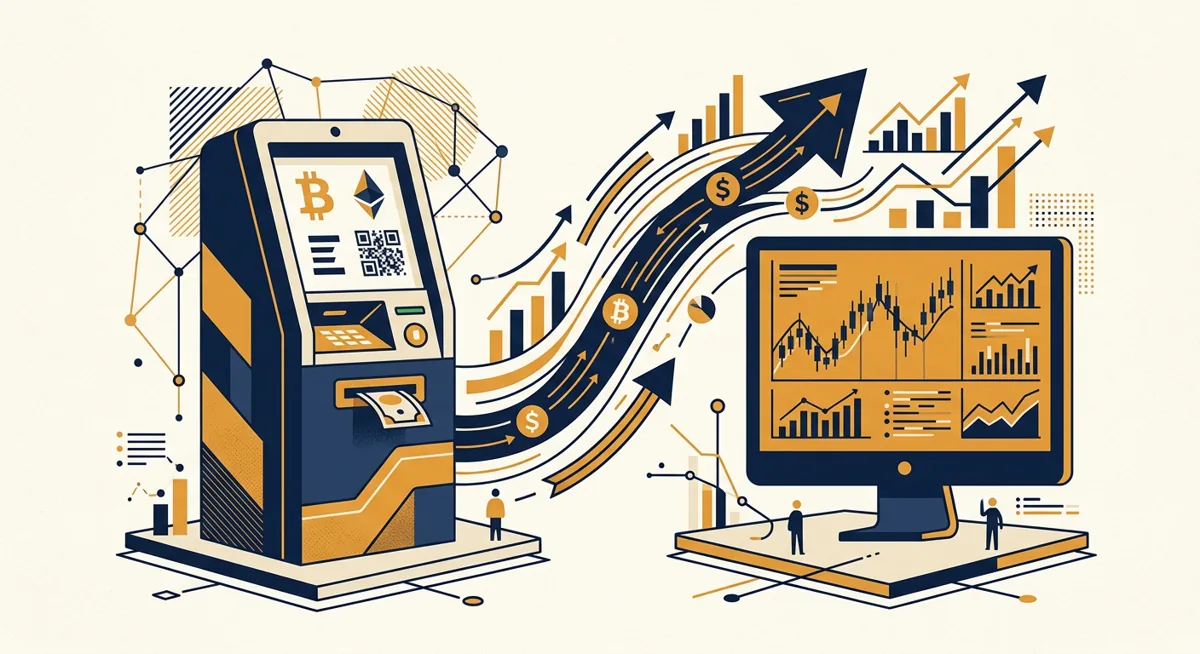
| Cash via crypto ATM | Instant | Steepest premium over market rate | No bank account needed; find local crypto atms before assuming your area has one |
| Cash App | Instant for card/balance purchases | Lightning payments funded from your Cash balance include a 0.9% processing fee. applies specifically to Lightning withdrawals from Cash balance; No minimum deposit required | Deposits/withdrawals limited to Solana, Ethereum, Polygon, Arbitrum networks, service limited to United States; United Kingdom |
A few patterns worth flagging:
- Bank transfer's low cost comes with a trade-off: your order might not fill until the transfer clears, and market prices move in the meantime.
- Credit card purchases sometimes get coded as a cash advance by the card issuer, which is a separate fee from anything the exchange charges. That's on your statement, not the platform's fee page.
- ATM premiums bake in the operator's cash-handling and compliance costs, which is why they're consistently the priciest option per dollar.
- Cash App's structure is narrower than a full exchange: it doesn't publish a broad multi-network deposit list — deposits and withdrawals run over Solana, Ethereum, Polygon, Arbitrum, and there's no stated floor thanks to No minimum deposit required.
For a side-by-side on a bank-heavy exchange, see Buy Bitcoin on Coinbase: Fees, Limits, and Withdrawals.
Takeaway: slow and bank-funded is usually cheap; instant and card- or cash-funded is usually not — pick based on urgency, not habit.
Common problems and fixes
Order stuck pending after a bank transfer
This is normal for ACH and SEPA — clearing takes days, not minutes. Check the platform's transfer status page before assuming something failed.
Card declined for a crypto purchase
Some card issuers block crypto purchases outright or flag them for fraud review. Call the issuer directly; the exchange usually can't override this from its side.
Charged a cash-advance fee you didn't expect
This comes from the card issuer's transaction coding, not the exchange. Compare your card's cash-advance policy before funding crypto purchases with credit.
Can't find a working crypto ATM nearby
ATM networks change locations without much notice. Check an up-to-date locator rather than an old cached list, and confirm the machine still accepts your target coin before driving over.
Cash App purchase went through but withdrawal fee looks high
Check whether you withdrew via Lightning funded from your Cash balance — that's the transaction type carrying the Lightning payments funded from your Cash balance include a 0.9% processing fee. fee. Withdrawing over a different supported network may change the cost.
Verification stuck in review
Most delays trace back to a mismatched name, blurry ID photo, or an address document older than the platform accepts. Resubmit clean documents rather than waiting out the queue — see our KYC guide for tier-specific document requirements.
Takeaway: most on-ramp failures are card-issuer or clearing-time issues, not platform bugs — check the funding side first.
Questions
What's the cheapest way to buy cryptocurrency?
Bank transfer is typically the lowest-cost method because it avoids the instant-processing premiums that cards and cash ATMs charge, though it's the slowest to settle.
Can I buy bitcoins using a debit card?
Yes, most exchanges and apps including Cash App accept debit cards for instant purchases, though debit purchases usually cost more per dollar than a bank transfer.
Is Cash App available outside the US?
Cash App's crypto features are currently limited to United States; United Kingdom; opening an account elsewhere won't activate Bitcoin buying.
Does Cash App have a minimum purchase amount?
No — No minimum deposit required to buy crypto on Cash App.
Why did my Cash App withdrawal cost more than expected?
Lightning withdrawals funded from your Cash balance carry a Lightning payments funded from your Cash balance include a 0.9% processing fee. fee. Withdrawing through a different supported network changes the cost structure.
Are local crypto ATMs safe to use for buying bitcoin?
They work, but they consistently charge the highest premium over market price of the four common on-ramp methods, largely due to cash-handling and compliance overhead.
References
| # | Source | Reliability | Checked |
|---|---|---|---|
| 1 | cash.app — Crypto withdrawal fee | Official source | 2026-09-18 |
| 2 | cash.app — Minimum deposit | Official source | 2026-09-18 |
| 3 | cash.app — Deposit methods | Official source | 2026-09-18 |
| 4 | cash.app — Supported countries | Official source | 2026-09-18 |